

Home / Client dashboard
Your project dashboard: every day logged, every Friday reported
Every Elkins Build Group client gets a private project page. Here is everything on it, from the day you sign to the final walkthrough.
- One fixed written estimatepriced from your final design and our trades' bids
- Payments follow the workeach payment tied to a finished milestone
- An update every Fridayprogress, photos and what's next, in writing
The full tour
Twelve screens from your project page, shown with sample data from an example kitchen remodel.
Know where your project stands
Open your link and the first thing you see is how far along the job is, the target finish date, and a to-do list of anything waiting on you: selections to choose or order, items that need to be on site, and unread messages.
See the whole schedule
Every phase in order, by trade, with start and end dates and status. You always know what is happening this week and what is next, and you can share a read-only schedule link with family.
Demo crew · Oct 6–8Done
Framing · Oct 9–10Done
Plumbing · Oct 13–15Done
Electrical · Oct 14–16In progress
City inspector · Oct 23Scheduled
Drywall · Oct 27–31Next
Cabinets · Nov 3–5Upcoming
Counters · Tile · Nov 10–19Upcoming
Get an update every Friday
Every Friday afternoon your update arrives by email and stays on your project page: percent complete, target finish, what got done, what is in progress, up to six photos from the week, the next two weeks, upcoming inspections, decisions needed and upcoming payments.
Read the daily log
Each workday is logged: the weather, which trades were on site, the work done, and any issue or delay with its cause. You see it in your Friday update, so you know the job moved every day, not just that it is 'going fine.'
Finished rough plumbing for the sink and dishwasher. Electrical ran new circuits for the range and island.
Boxes and wire for under-cabinet lighting and island pendants.
Know when the inspector is coming
Upcoming inspections are listed in your Friday update, and your permit and permit card are in your documents. Permitted work is inspected before it gets covered up.
Building departmentThu Oct 23
Building departmentThu Oct 23
Building departmentAfter drywall prep
Building departmentBefore handoff
Make your selections on your schedule
Every finish item with its spec, who supplies it, the vendor, the date it is needed by and its arrival. You can update status, add order numbers and notes, and upload receipts. Items you need to choose or order soon show up on your to-do list.
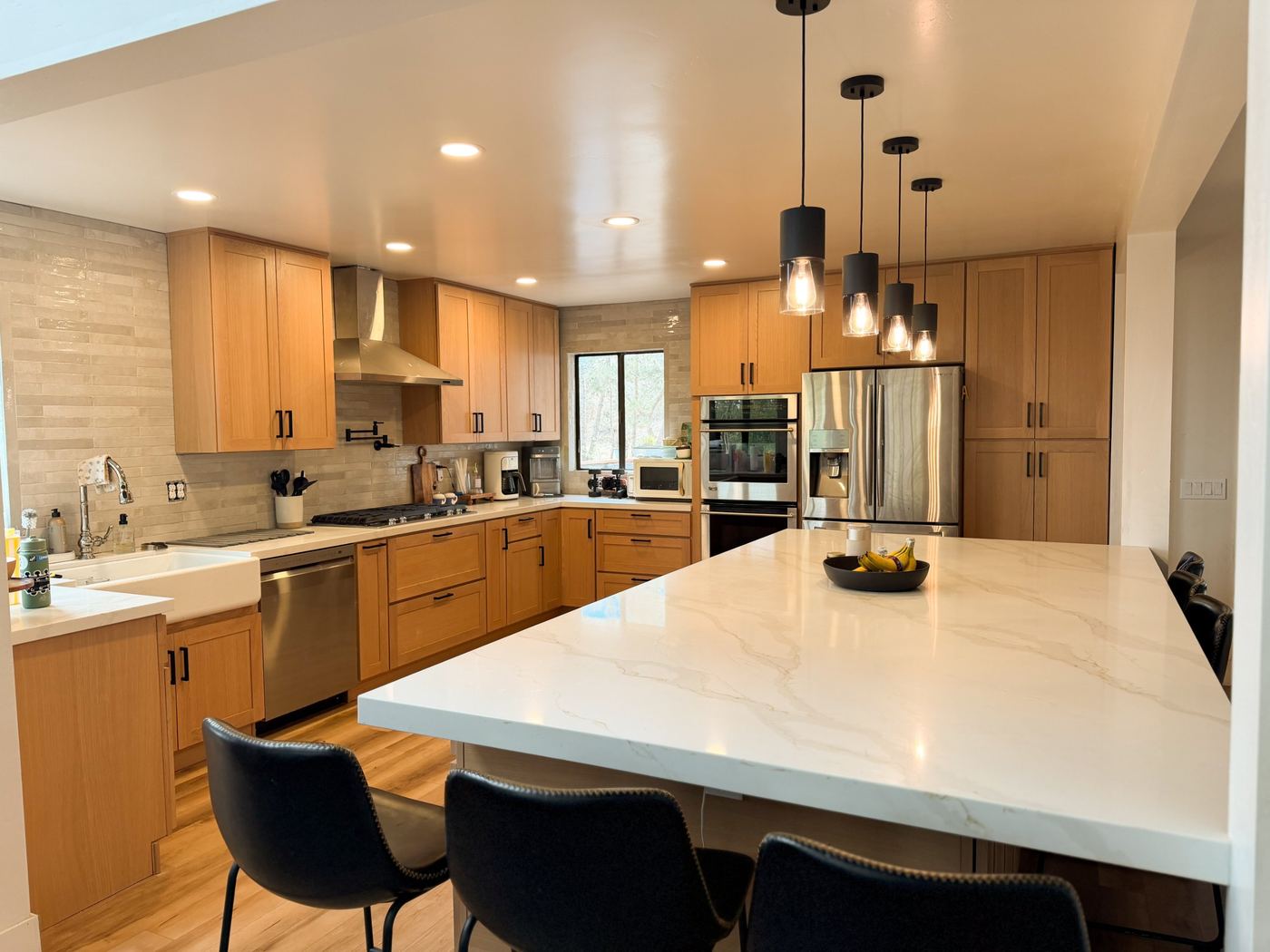
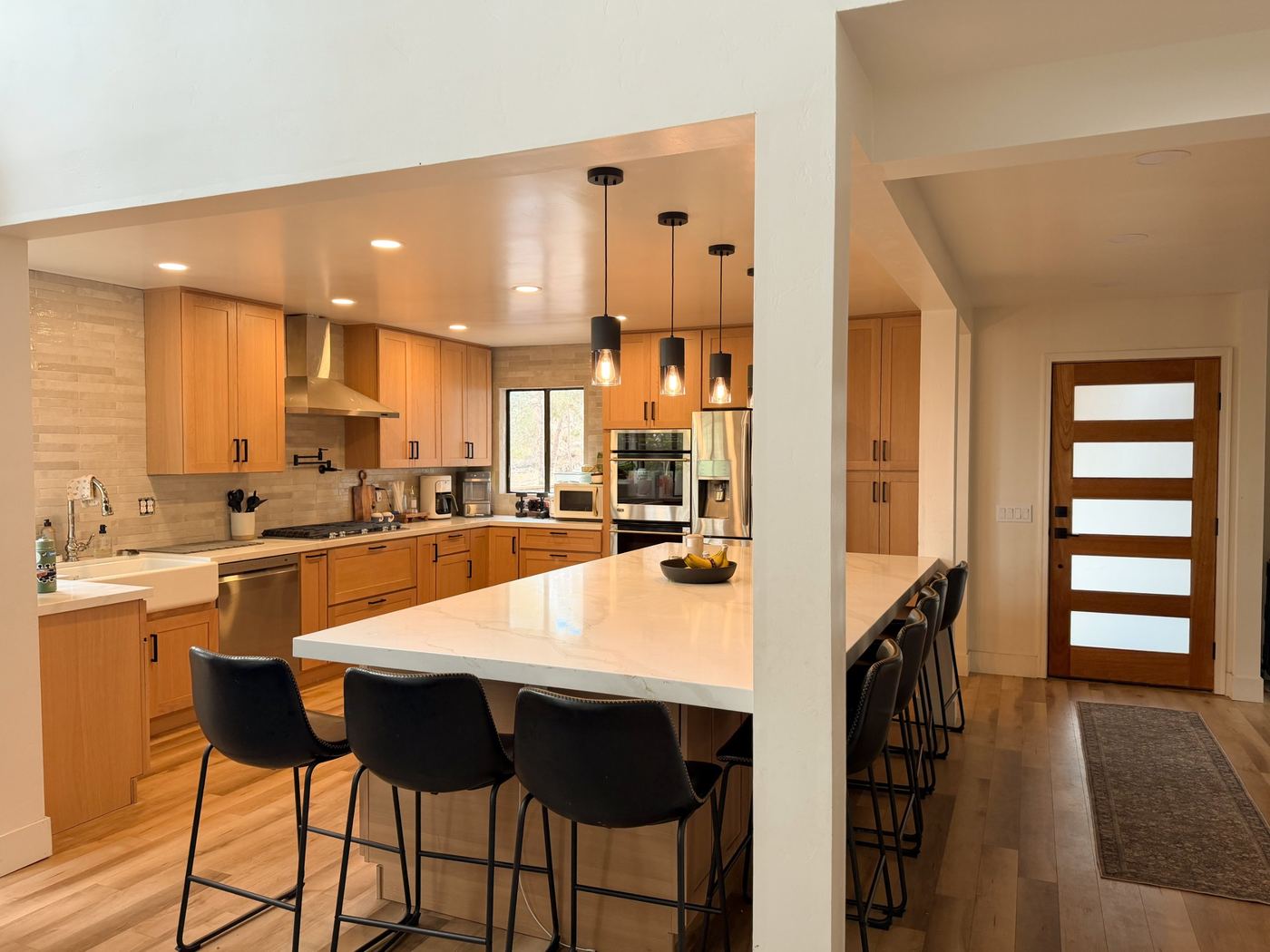
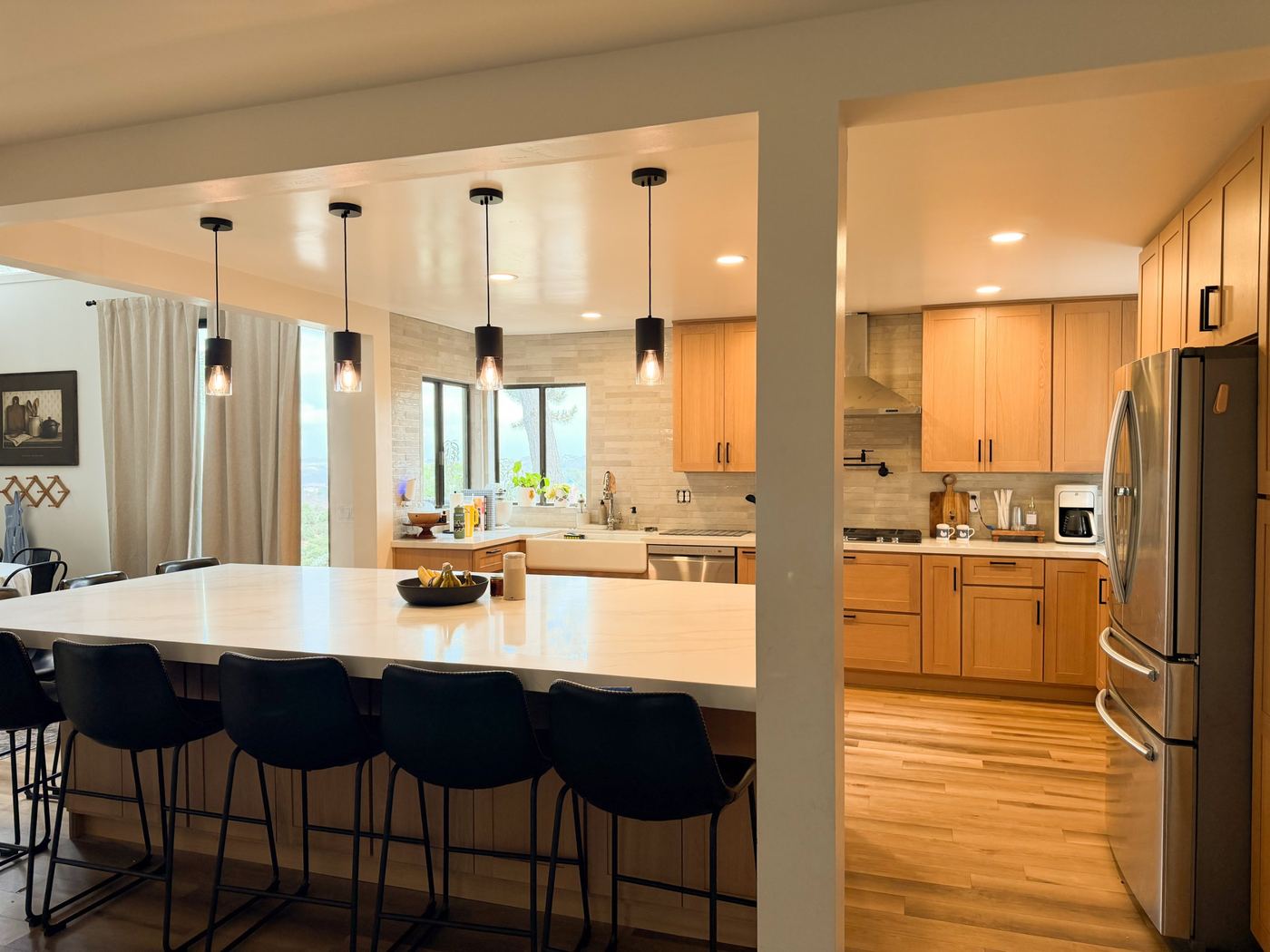
Oak shaker · We supplyOrdered
Quartz, white veined · We supplyOrdered
You supply · Needed by Nov 3To choose
You supply · Order #48213 · ETA Nov 8Ordered
You supply · Needed by Nov 10To order
Farmhouse, 33" · Receipt addedOn site
Work with your designer in one place
Your designer uses the same system: spec sheets, measurements and your finish level (Essential, Signature or Premium). If a product or vendor changes, the change is flagged so we can check it against the plans, sizes and schedule before it is final.
Glossy warm white 2x10
Know exactly what is included
Your scope is written down in three lists: what we include, what you provide, and what is not included. No guessing about who is buying the faucet.
Approve changes in writing
Every change is written up as a change order with what changes and how many days it adds. You review and sign it online, and signed change orders stay in your documents.
Pay by bank transfer, with no card fees
Your contract, change orders and payments to date, plus every invoice. Each invoice has a private link to pay from your bank account. Payments follow finished work, never run ahead of it.
Message us, in writing
A message thread with us, and a design chat with your designer that you can read. You can see when a message has been read, and you get an email when we reply.
Keep every document and photo
Plans, the permit, signed change orders and other shared documents, plus job photos, all in one place for the life of the job.
A typical week
What you get while your project is under construction.
Every workday
The day is logged: weather, trades on site, work done, issues or delays.
As it happens
Schedule status, selections and messages update on your project page.
When it matters
Change orders to sign and invoices to pay show up on your page and in your email.
Friday afternoon
Your update: progress, the week's logs, photos, what's next, inspections and decisions needed.
Why it matters
| Without a project page | With your Elkins project page | |
|---|---|---|
| Progress | You call or text to ask what happened this week | A daily log and an update every Friday |
| Schedule | "We should be done in a few weeks" | Every phase with dates and status |
| Selections | Last-minute calls about what you still need to order | A to-do list with needed-by dates |
| Changes | Agreed on the phone, disputed later | Written up and signed online, with days added |
| Payments | Checks handed over on site, unclear what is left | Invoices tied to finished work, paid by bank transfer |
| Designer and builder | Two people with two versions of the plan | One system, with changes checked against the plans |
Project page questions
Do I need to download an app or make an account?
No. Your project page is a private link that works on any phone, tablet or computer. There is no app and no password, and you can save it to your phone's home screen.
Who can see my project page?
Each person gets their own private link. Owners and the person paying the bills see contract, change orders, payments and Friday updates. Your designer sees selections and design information but never prices or payments.
What will I see?
Your schedule, selections, scope, shared documents and photos, change orders, payments and invoices, messages, and an update every Friday that includes the week's daily logs, photos and upcoming inspections.
How do I pay?
Each invoice has a private link to pay by bank transfer (ACH). There is no card fee. You can also pay by check.
Can I see who is working on my house?
You see every phase by trade, such as plumbing or electrical, along with dates and status. Every trade is a licensed specialist carrying general liability insurance, working under our contract.
Does the project page cost extra?
No. Every Elkins Build Group client gets one at no extra cost.
Start your project
Get a price range for your kitchen or bathroom in about two minutes, or tell us about an addition or ADU.